Sign in to control your EK333 account

Login is your personal key to Casino EK333 - it unlocks deposits in BDT, bonuses, game history, fast withdrawals through bKash or Nagad and all protected settings. This guide explains where to find the login button, how to sign in from phone or laptop, what to do if the password does not work and how to keep your account protected with two factor security. Read it once, and daily access to Casino EK333 will take seconds instead of minutes.

Casino EK333 uses login as a gateway to everything that matters - from real money bets to profile security tools. After you sign in once, you control deposits, withdrawals, bonuses and your personal limits from one place instead of many menus.

Main ways to log in

On Casino EK333 you can log in in several ways, so each player from Bangladesh can choose a comfortable method:

  • Mobile number with country code - the most popular option for local users.
  • Email address - good if you prefer to keep gaming separate from your SIM.
  • Username - for players who created a custom ID during registration.
  • Social login - quick access through Google or Facebook without extra passwords.
  • Direct login in the mobile app - saves time thanks to remembered session.

All methods lead to the same protected account with one wallet in BDT and one set of limits.

Open EK333 login form

Step by step web login at Casino EK333

  1. Login button on EK333 site

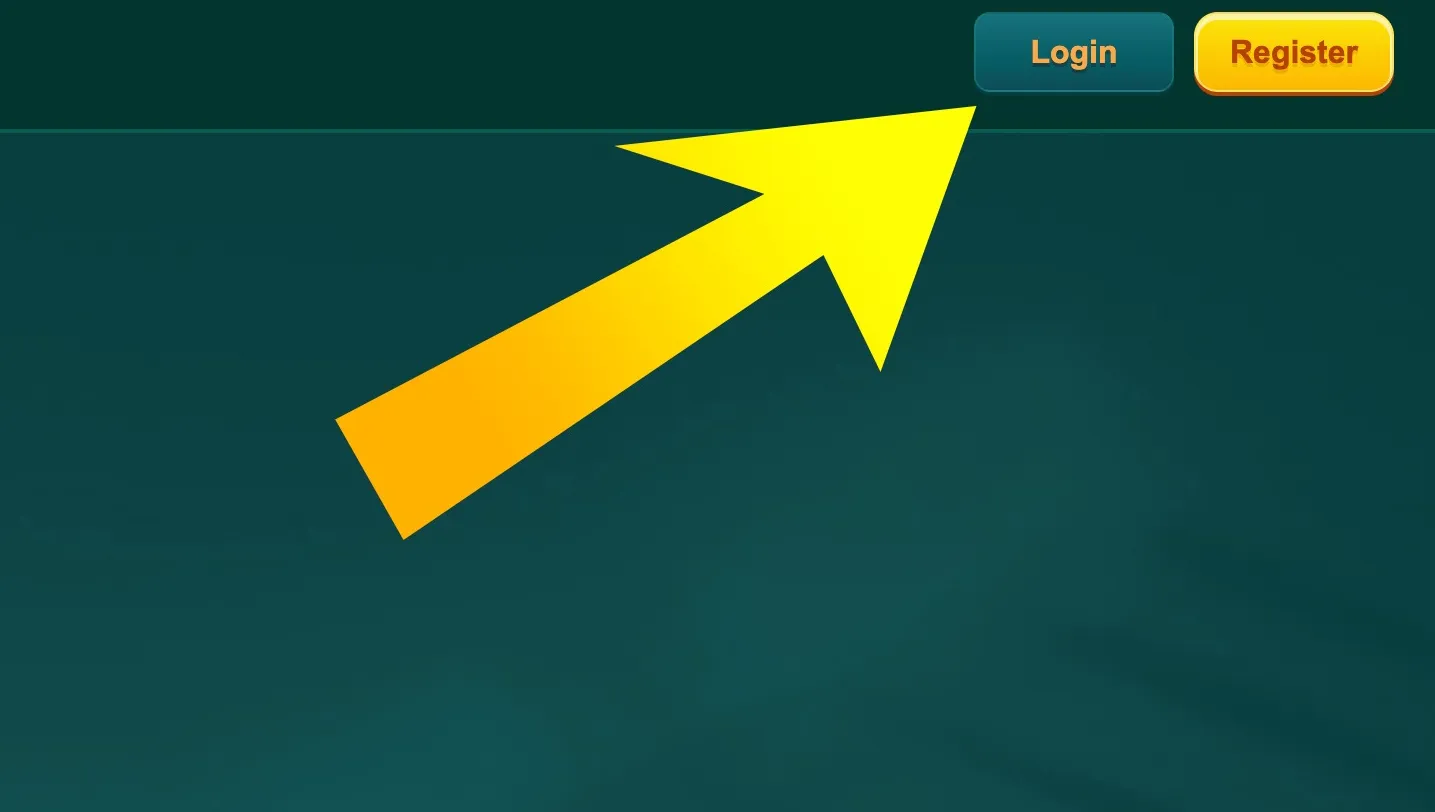
    Open the official EK333 website and look at the top right corner. The Login button is next to Register. Click this button to open the sign in form.

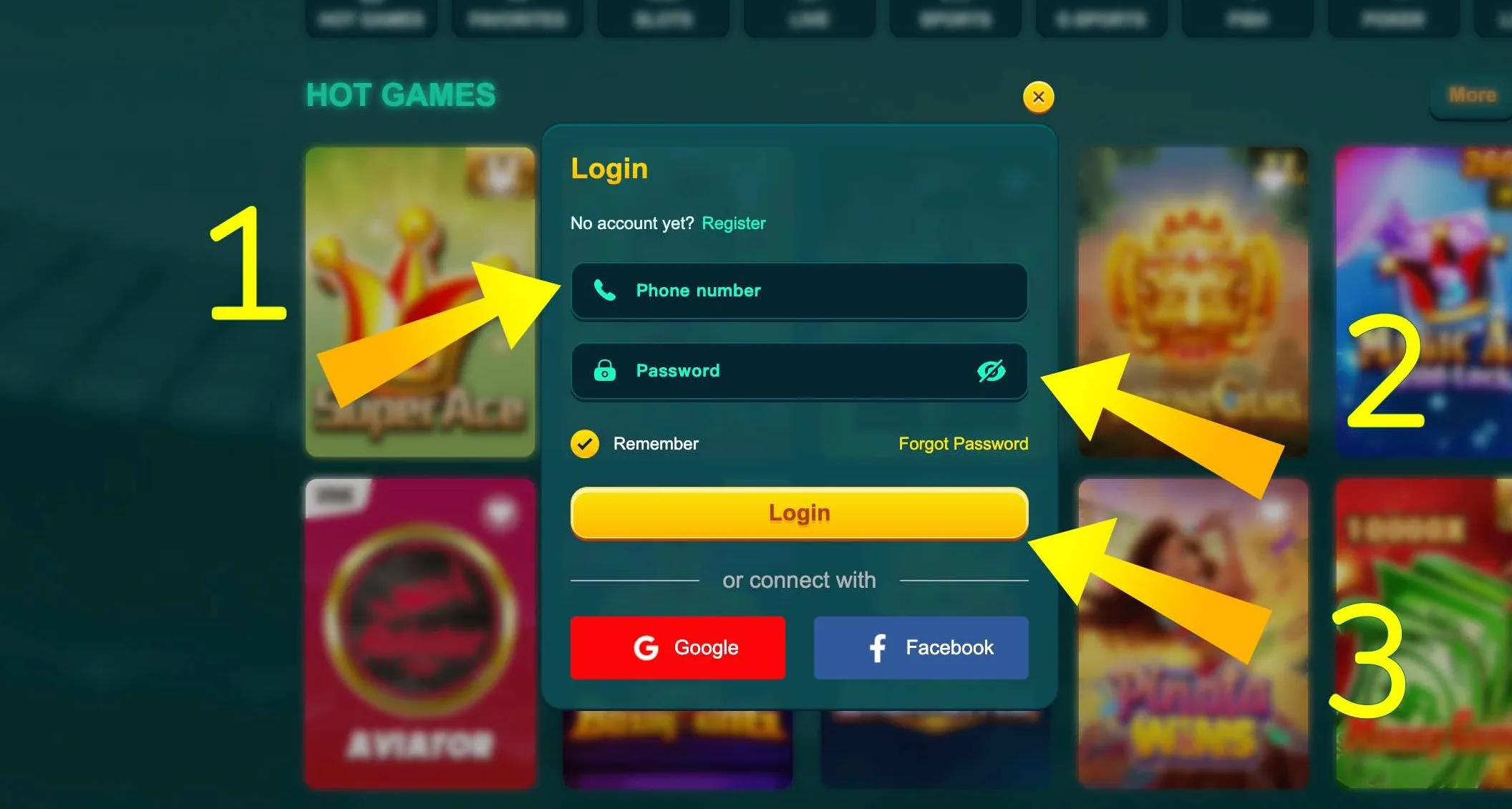
  2. EK333 login form fields

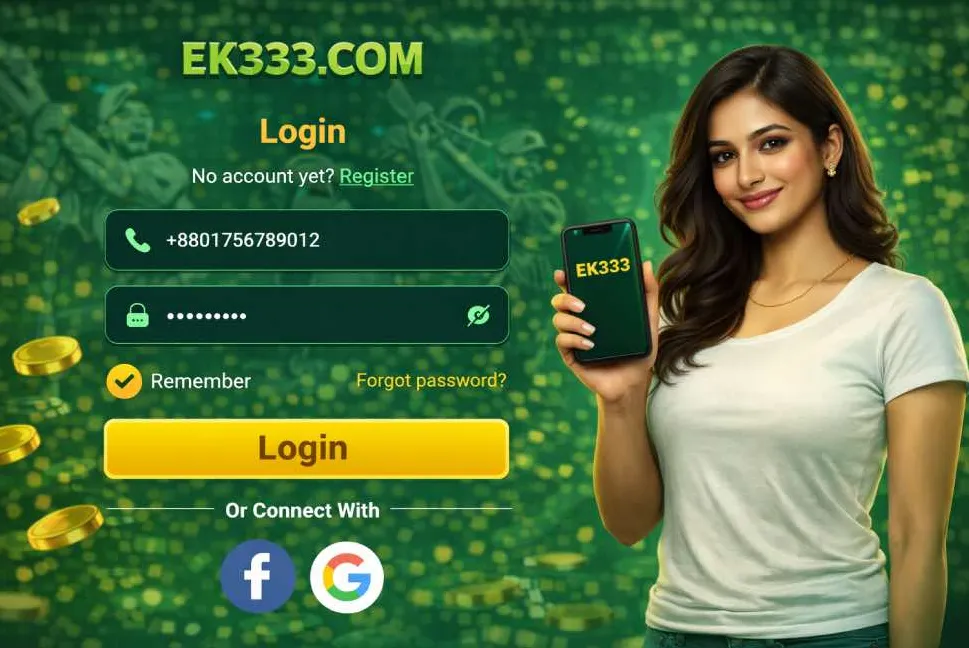
    In the login window enter your phone number or email, type your password, choose Remember if you use a private device, then press Login or pick Google or Facebook for social access.

Where to find the login button on different devices

The position of the EK333 login button slightly changes between desktop and mobile, but the logic stays simple.

Desktop and laptop

On a large screen the Login button is always visible in the upper navigation bar. It stands near the Register button and is highlighted with a contrasting color so new players do not miss it. After login the same place shows your balance and avatar instead of the button.

Mobile browser on Android and iOS

If you open Casino EK333 in a mobile browser:

  • on many devices Login appears on the top bar as a small text button
  • in some layouts it is inside the main menu icon in the left corner

Tap the menu icon if you do not see Login at once. In the drop down list you will find Login, Register, Promotions, Sport and Casino.

Inside the personal menu

After you log in, the Login button disappears. To sign out or switch account open the avatar in the top right corner. The drop down menu shows My Account, betting records, deposits, withdrawals and the Sign out command.
Ready to continue where you stopped last time - open the EK333 login page and return to your games, bets and rewards in a few seconds.

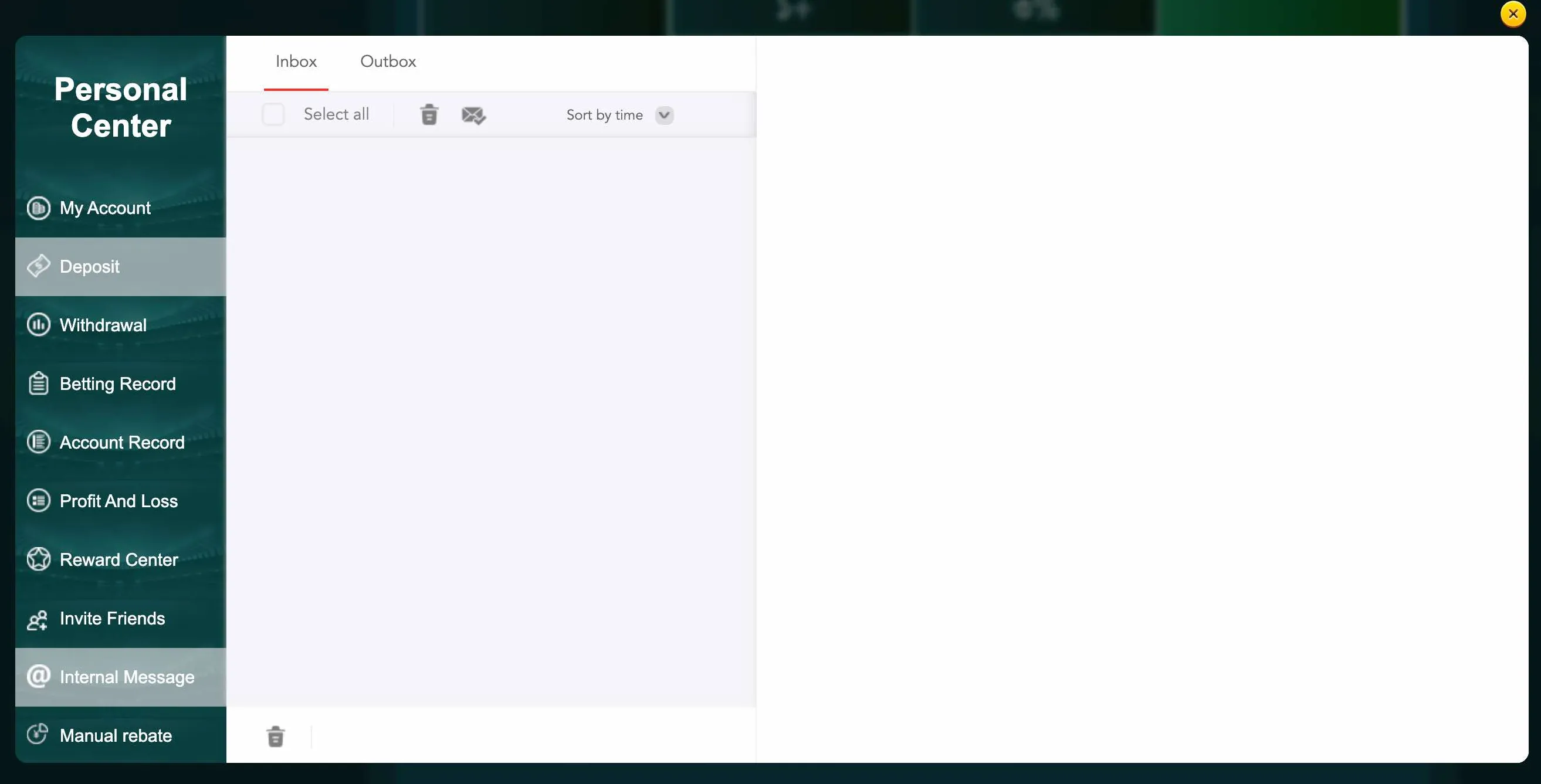
Personal center message section

Structure of the EK333 login form

The login window at Casino EK333 is compact but covers everything you need. It usually contains two input fields, one for phone or email and one for password. Under the password there is a Remember option that keeps you signed in on this device so you do not type data every day. Below are alternative buttons for Google and Facebook login and a link for password recovery.

The button Login sends the data through an encrypted connection. If you enter something wrong, the form highlights the field and shows a short error message so you can fix it quickly.

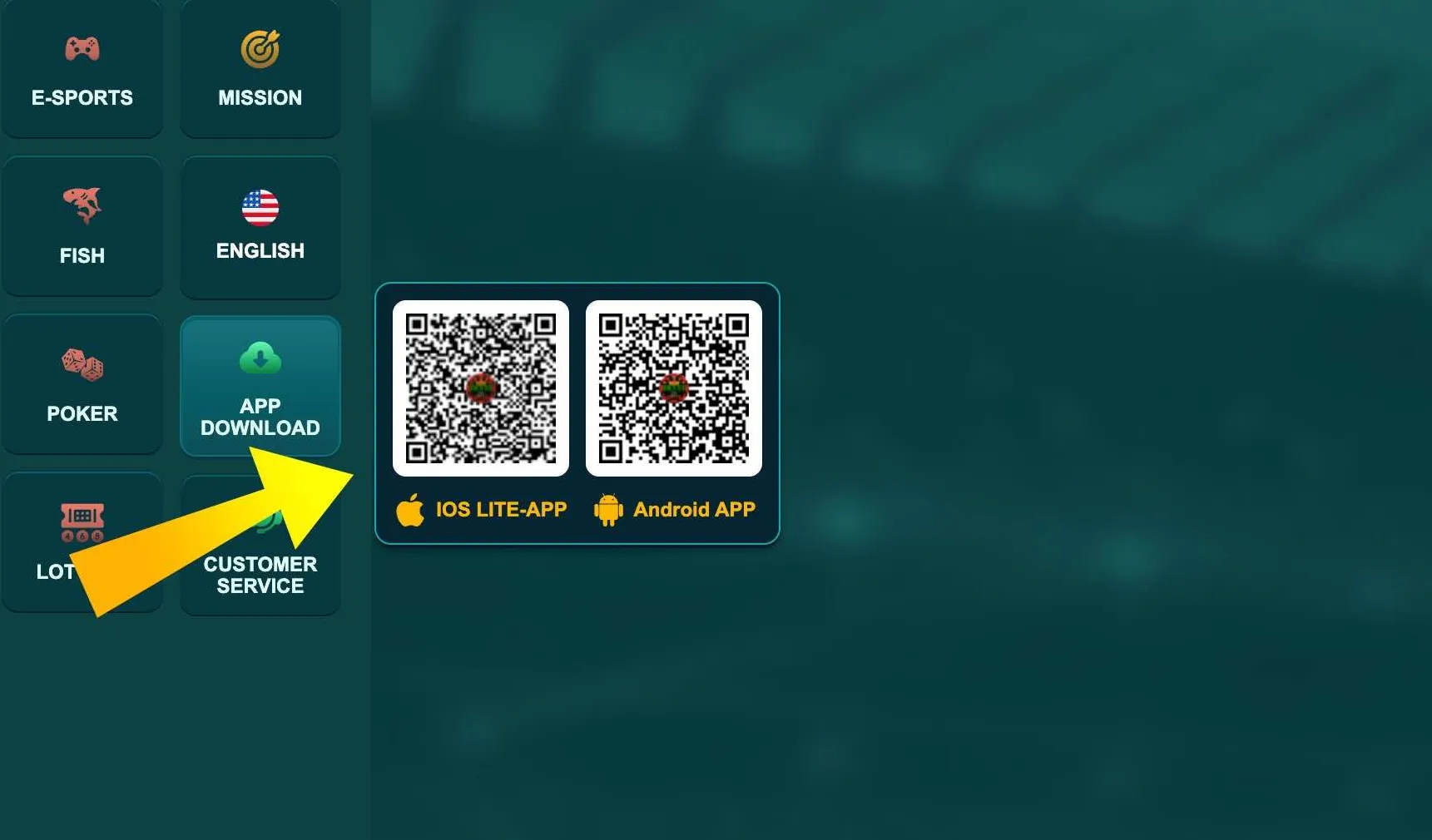
App download section

Login in the EK333 mobile app

In the EK333 app the login form uses the same logic but the layout fits the phone screen. You enter the same credentials as on the website, and the app can store them inside the secure storage of your device.

After a successful login the app opens the home lobby with shortcuts for slots, live casino, sports betting and payments. Thanks to push notifications you can also see login alerts if someone tries to access your account from a new device.

How the standard EK333 login process works

Once you know where the button is, the usual login flow at Casino EK333 takes less than half a minute.

Simple login algorithm

  1. Open the official website or the installed app.
  2. Press Login in the top bar or in the side menu.
  3. Select the method - phone, email, username or social login.
  4. Enter the data and check they do not have typos.
  5. Tap Login and wait for a short loading animation.

If the data is correct the system redirects you to the main lobby with your personal balance in BDT in the corner. From there you can go to deposits, sports bets, casino games or your reward center.

What happens in the background

During login EK333 checks:

  • that the account exists and is active
  • that the password matches the stored hash
  • that the device and IP are not marked as suspicious
  • that possible two factor codes are correct

Only after these checks the session is created and saved in your browser or app. This reduces the risk that someone else signs in with your credentials without permission.

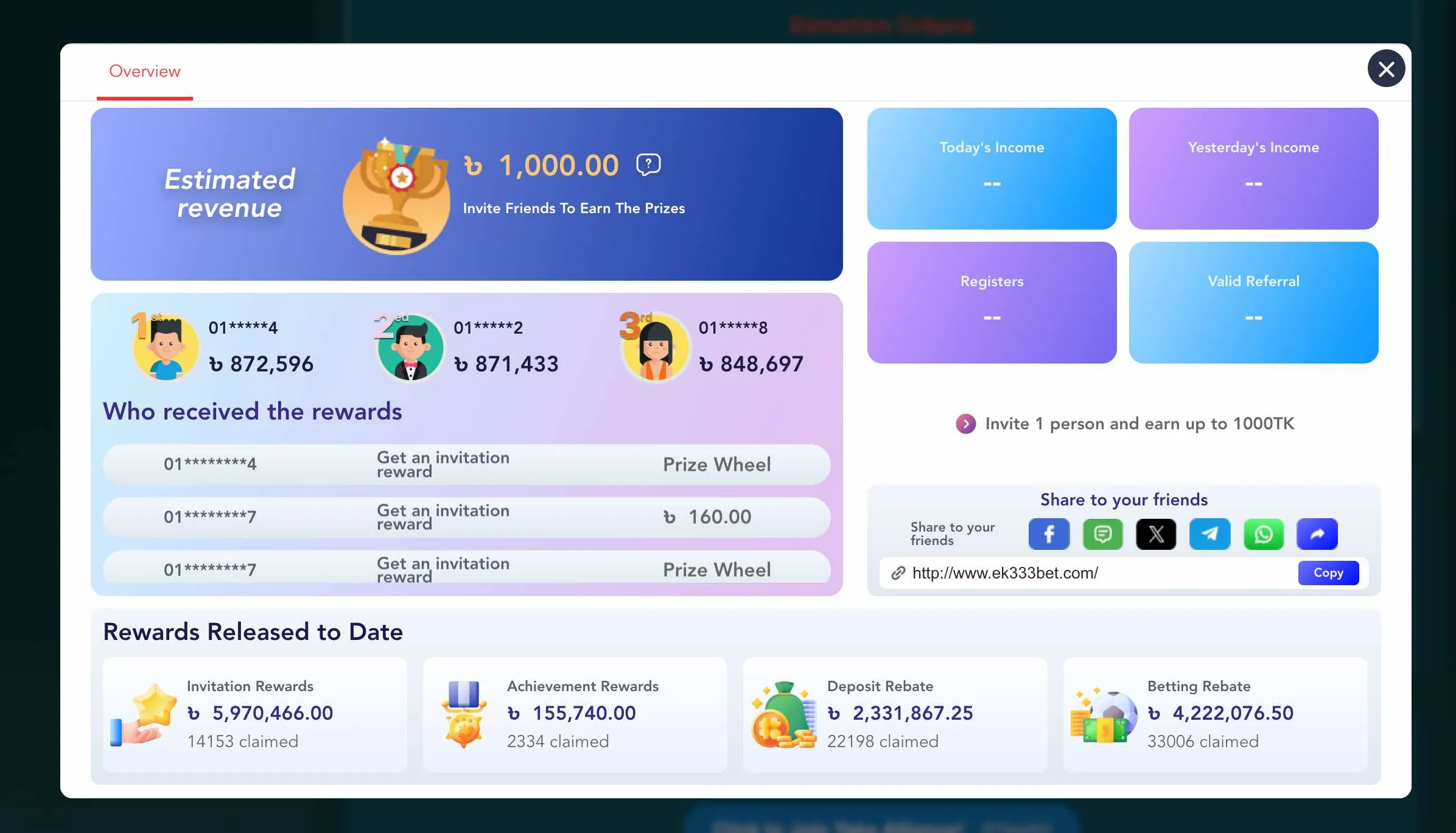
Log in and check your EK333 rewards
Reward center access after login

After login you can open the Reward Center to see active tasks, cashback and vouchers linked to your Casino EK333 profile.

Login, security and two factor protection

Access to money and bonuses must stay under your control. Casino EK333 therefore combines classic passwords with extra safety tools.

Two factor security during EK333 login

Players can enable an additional step for login:

  • one time code by SMS to the confirmed phone
  • one time link or code to the verified email
  • confirmation inside the app on the main device

When two factor security is on, the system asks for the extra code after the password. Without it login is not possible, even if someone knows your password. This is especially useful when you often use public Wi Fi or share your device with relatives.

Practical tips for safe login

To keep your EK333 account clean and protected:

  • use a unique password that you do not repeat in social networks
  • avoid login from public computers in internet cafes
  • always log out after session on a shared device
  • do not share screenshots with visible phone number and balance
  • check each time that the address bar shows the correct EK333 domain

These simple habits work together with platform protection and make hacking attempts pointless.

Logging in from a trusted device with a strong password and two factor codes keeps your Casino EK333 account and BDT balance under your control.

Resetting password and restoring EK333 access

Even careful players sometimes forget passwords or lose access to their email. EK333 offers several ways to return to your account without creating a new profile.

Standard password reset flow

On the login form you will find a link like Forgot password. The typical recovery scenario looks like this:

  1. Click the link under the Login button.
  2. Choose whether you want to reset by phone or by email.
  3. Enter the same contact that is linked to your account.
  4. Confirm the security code that you receive in SMS or mail.
  5. Create a new password that meets the length rules.

After confirmation you can return to the normal login form and enter with the new password. Old passwords stop working at once.

When support needs to help

If you lost both phone and email, or cannot receive a code because the SIM card is blocked, contact support through live chat. Be ready to tell:

  • your full name and date of birth that you used at registration
  • last four digits of a linked e wallet or card
  • approximate dates of recent deposits and withdrawals

This information helps the team check that you are the real owner before they reset login data manually.

Restore access and sign in again
Account record after login

After successful login and recovery you can again see the full account record with deposits and withdrawals.

Typical login errors and how to fix them

Most problems with EK333 login have simple reasons and do not mean your account is lost.

Wrong password or user data

If you see messages about wrong credentials:

  • check keyboard layout and make sure Caps Lock is off
  • ensure the phone number matches the one used during registration
  • try to remember if you changed the password recently
  • if nothing helps, start password reset with the recovery link

Do not attempt tens of times in a row. Several failed tries can trigger temporary protection.

Technical and device issues

Sometimes login fails because of the environment, not the account:

  • unstable mobile internet in Dhaka or Chattogram can stop the request
  • outdated browser or app may not support the latest security standards
  • ad blockers can corrupt the login form on some phones

Try to switch to a stable Wi Fi, update the browser or EK333 app and reload the page. If the error stays the same, copy the exact text of the message and send it to support so they can check logs.

If a login error appears too often, it is better to contact Casino EK333 support after one or two attempts instead of guessing the password many times.

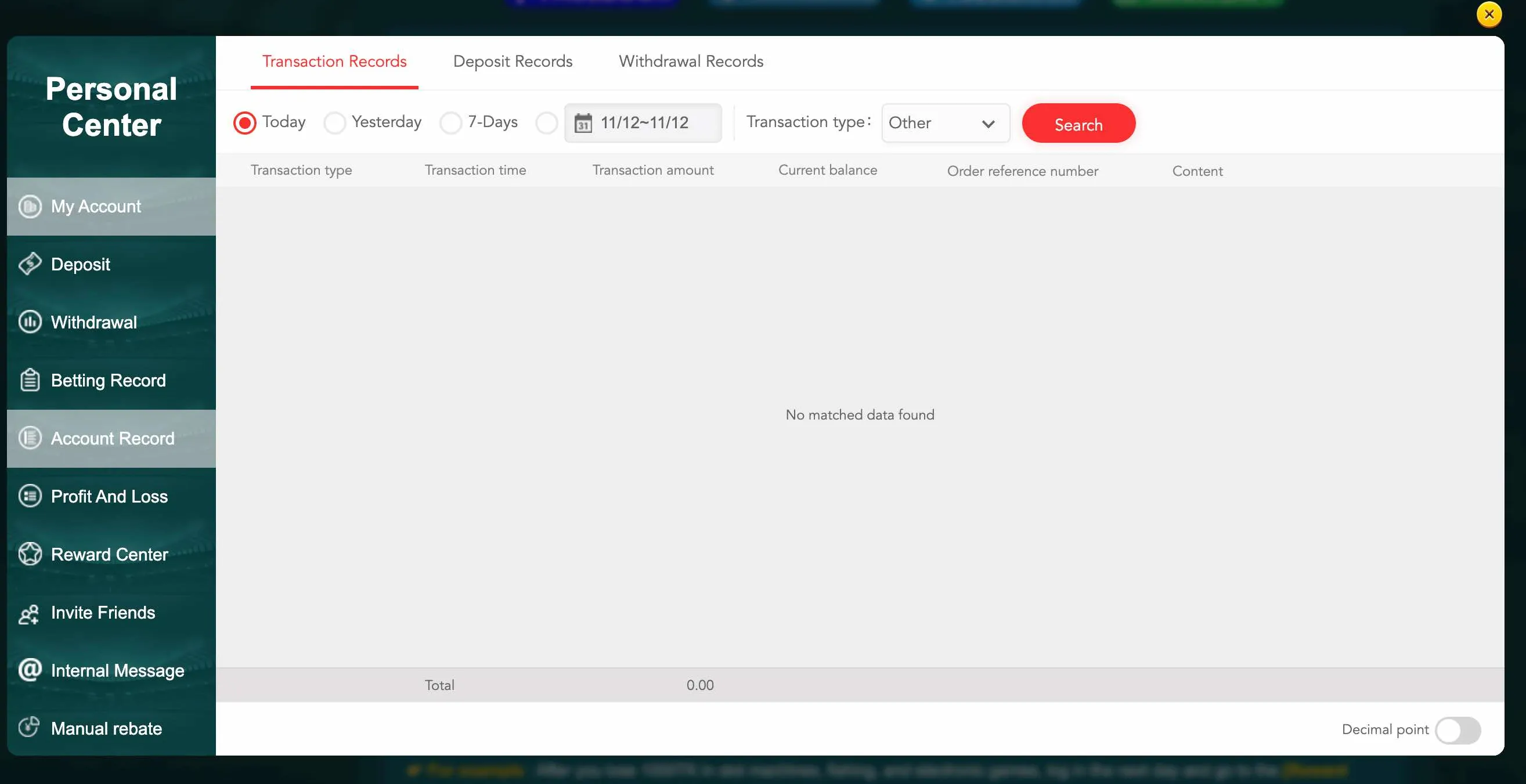
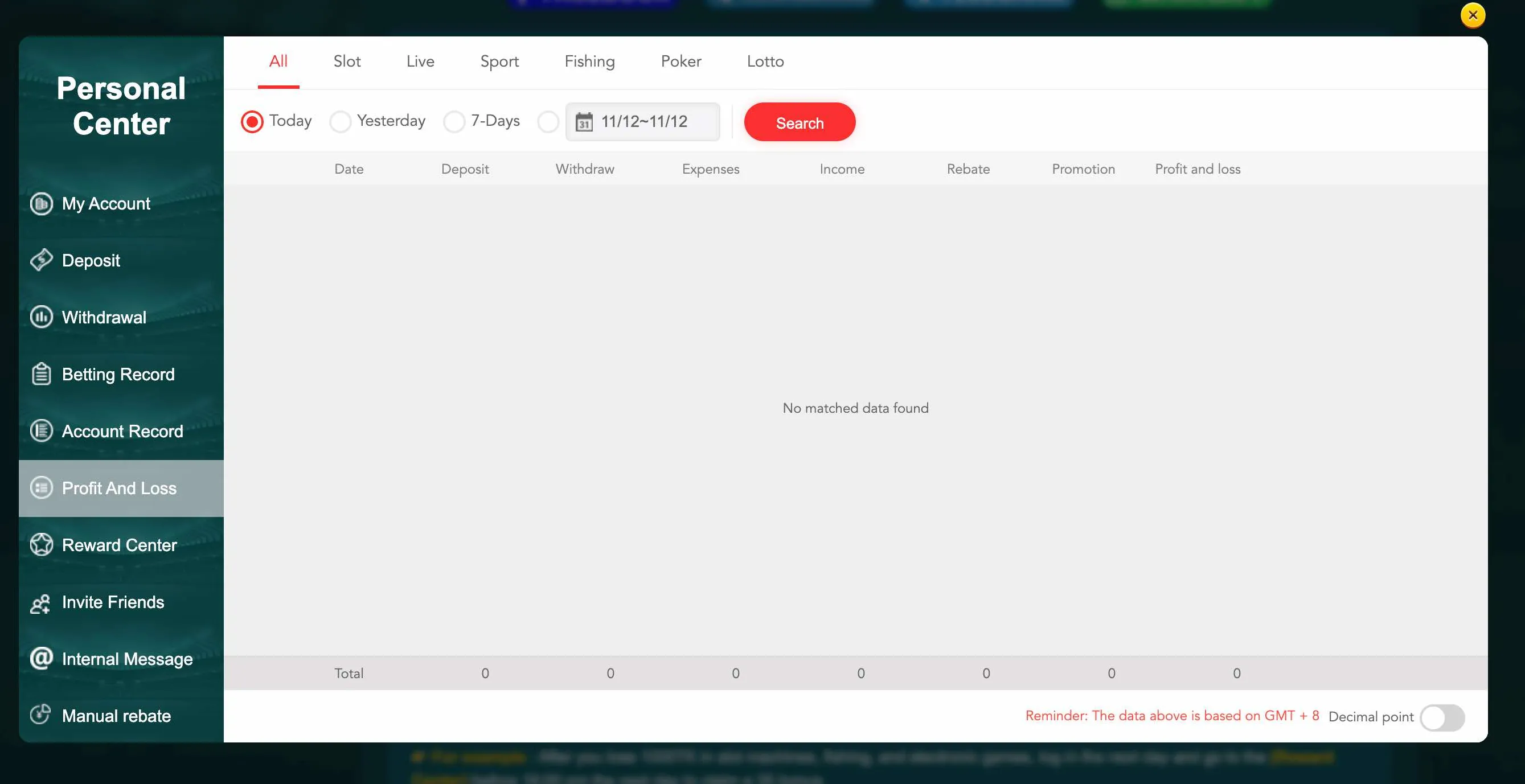
Profit and loss screen

Only after login you can open detailed profit and loss statistics to understand your results at Casino EK333.

What opens after you log in

Login is not a formal step. It connects you to many functions that stay hidden for guests.

Key sections available after EK333 login

Once you are inside your account you can:

  • open deposit and withdrawal pages with bKash, Nagad, Rocket and bank transfer
  • check betting records and game history to track your play style
  • see the profit and loss dashboard to monitor your finances
  • visit the reward center and claim cashback, birthday gifts and mission prizes
  • manage linked wallets and transaction password
  • edit personal data where allowed and enable extra security

The menu My Account and the balance block give quick shortcuts to all of these tools. They are not visible until you log in, which protects sensitive information from strangers that may use the same device.

Login, KYC and payments

For small deposits EK333 often allows play without deep KYC. But when your withdrawals grow, the system can ask you to upload identification documents or confirm your phone. These checks are usually triggered after login and before processing a large payout.

Taking a few minutes to complete KYC once helps the platform approve future withdrawals faster. The request appears inside your account, not on the public pages of the site.

Log in and manage your EK333 wallet

EK333 login - popular questions

Do I need a new account to log in on mobile if I already use Casino EK333 on desktop?

No. Casino EK333 uses a single account system.

You log in on mobile with the same phone number, email or username and the same password. The balance in BDT, VIP level and bonus history stay shared between all devices.

What should I do if the login page of EK333 does not open at all?

First check your internet connection and try to open any other site.

If everything else works, the problem may be related to temporary blocking of the main domain in Bangladesh. In that case use the official alternative domains listed by Casino EK333 or the mobile app, which connects to active servers automatically.

Why does Casino EK333 ask for a code after I enter my password?

This means that two factor protection is enabled for your account.

To finish login you must enter the one time code that you receive by SMS or email. It is an extra safety layer that prevents strangers from entering even if they guessed your password.

Can I stay logged in on several devices at the same time?

In most cases yes, you can stay logged in on a phone and on a laptop.

However, if the system detects unusual activity or too many simultaneous sessions, it may log out older devices to reduce security risks. You can always log out manually in the profile menu.

How to sign out of Casino EK333 after playing?

On desktop click your avatar or balance in the top right corner and choose Sign out in the drop down menu.

In the mobile app open the personal center and scroll to the Sign out command. It is a good idea to log out every time you finish play on a shared device.

What if I enter the right password but Casino EK333 still says it is wrong?

Sometimes the password field automatically adds a space at the end, especially on mobile keyboards.

Try to delete any extra spaces, type the password again slowly and make sure the correct layout is active. If the error repeats, use the Forgot password link to reset access.

Can I change my login method from phone to email or username?

Yes. After login you can go to account settings and add additional contact options.

You may then use email or username as an alternative login ID. The exact options depend on current EK333 rules, so read the hints in your profile carefully.

Is it safe to log in to EK333 from a public Wi Fi in a cafe or university?

The connection between your device and Casino EK333 is protected by modern encryption, which already gives a good level of safety.

Still, public networks carry more risk. If you must use them, avoid saving the password in the browser, enable two factor codes and always log out after the session.

Correct EK333 login is the base for safe play - once you sign in you control deposits, withdrawals and limits in one protected profile.