Typical registration errors and how to fix them
Even a simple EK333 registration can fail if you rush and ignore system hints. Understanding common problems helps to complete sign up from the first attempt.
Wrong phone format
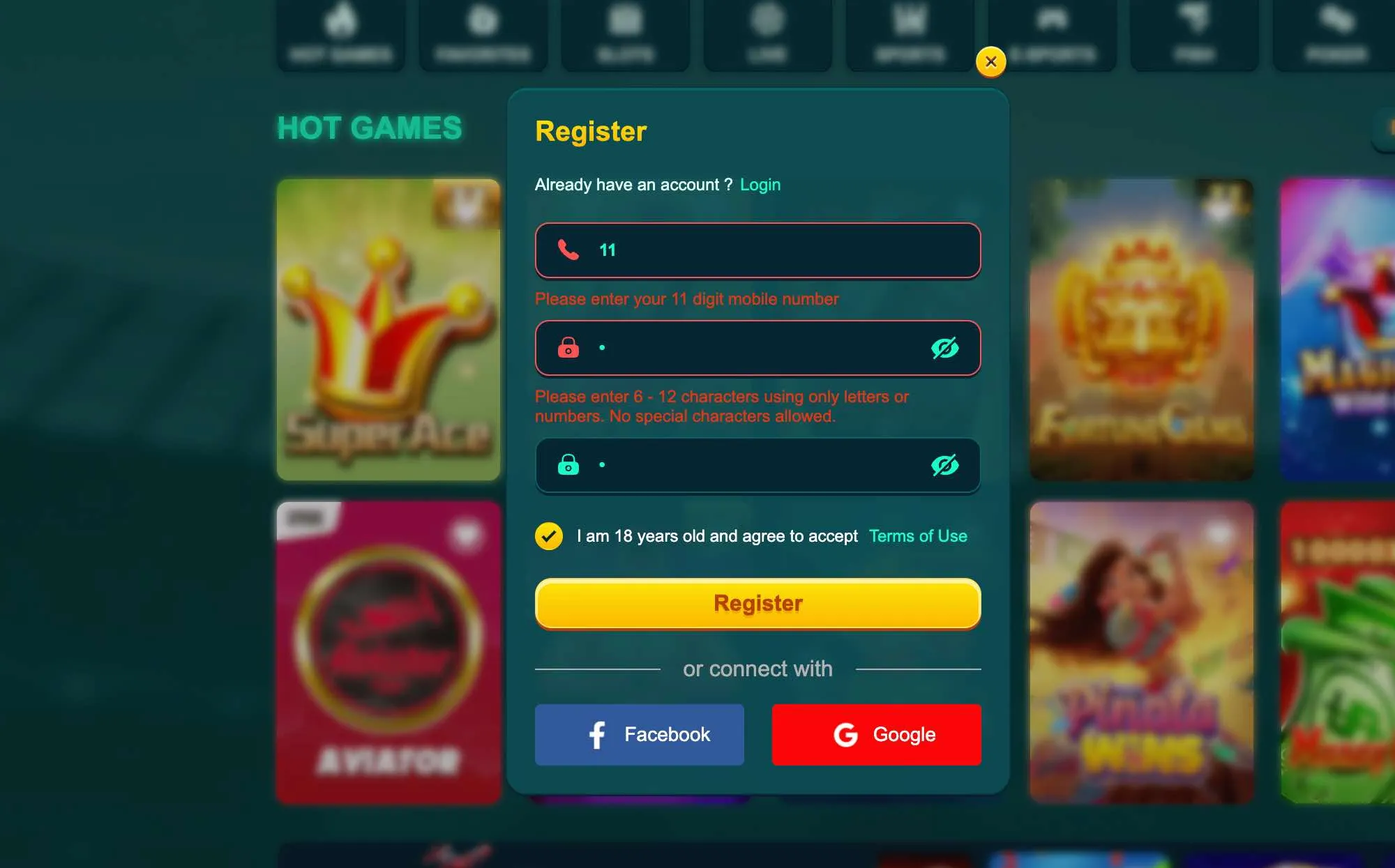
If you enter less than 11 digits or add spaces, the field turns red and a note appears that the phone must have 11 numbers. Delete extra symbols and type again.
Weak or invalid password
EK333 does not accept passwords shorter than 6 or longer than 12 symbols and does not allow special signs. If you see an error, change the password to a mix of letters and digits inside the allowed range.
Phone already used
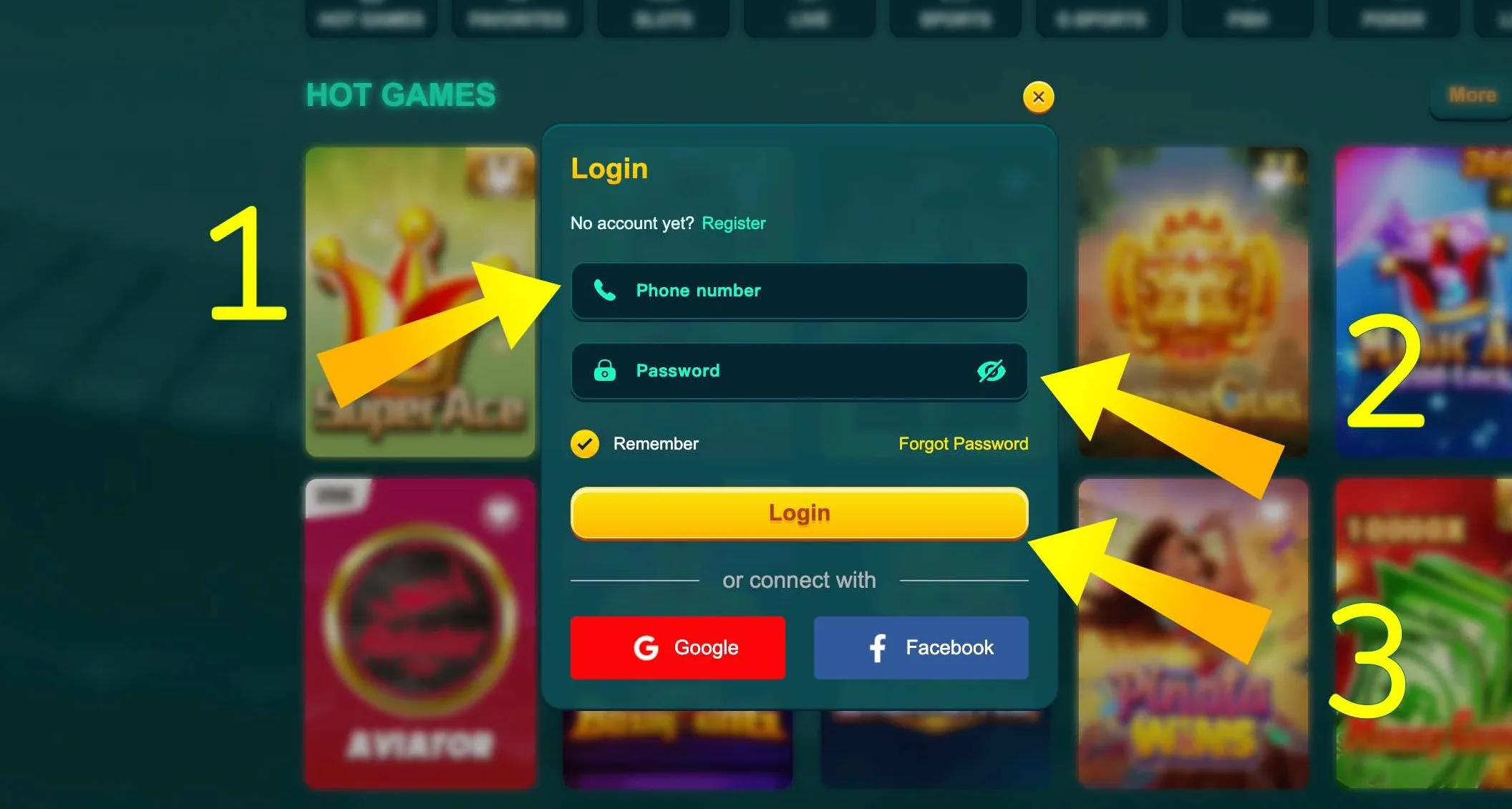
If the system says that the mobile number is already registered, it means there is an account attached to it. In this case do not try to open a second profile. Instead use the Login page and recovery tools or contact support to restore access.
Network and browser issues
Sometimes the form does not submit because of weak mobile internet or outdated browser. Switching from mobile data to Wi Fi, reloading the page or restarting the app usually solves this. Avoid multiple fast taps on the Register button - wait a few seconds after each try so that the server can answer.